
One click.
Perfect drivers.
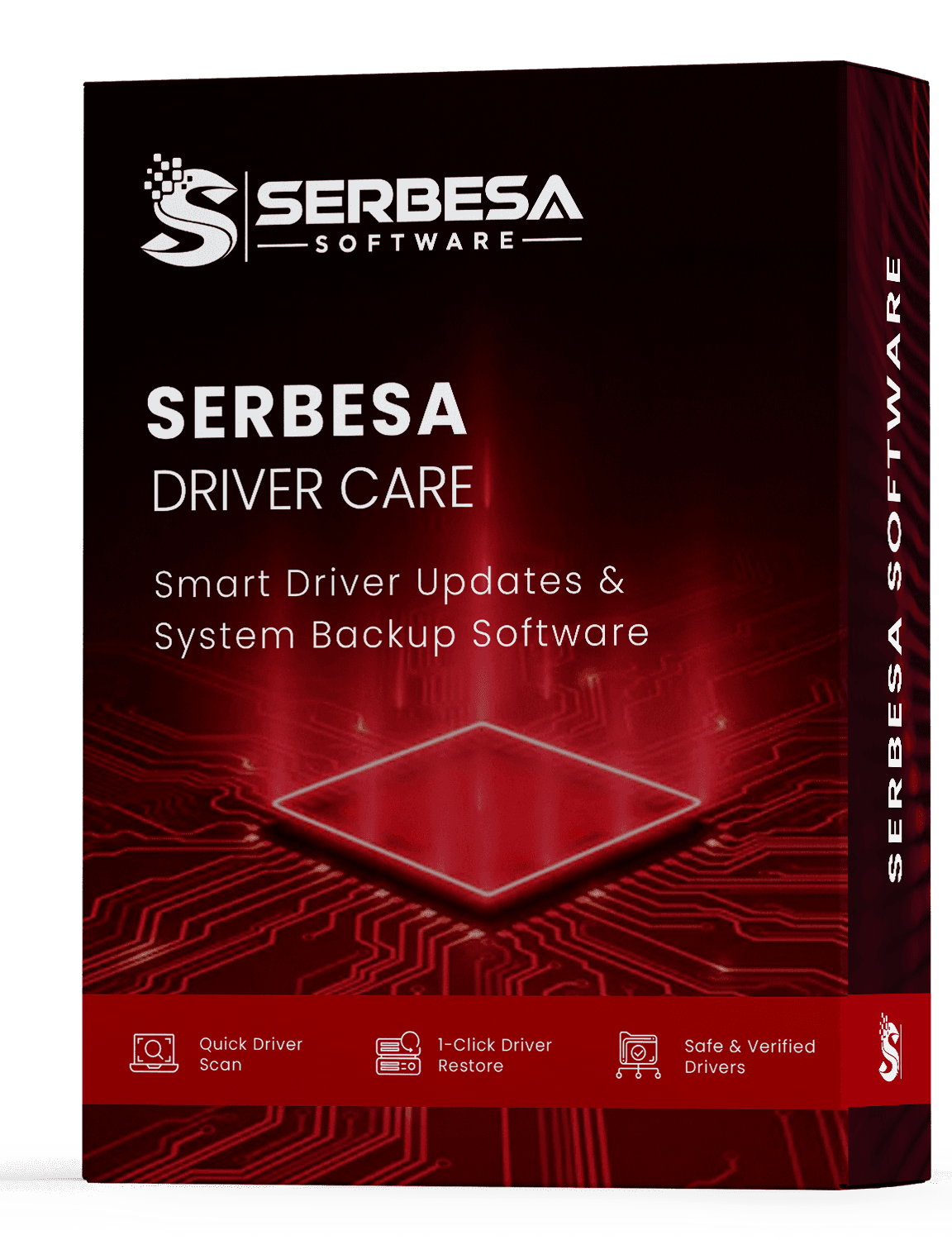
Kaien Driver Care scans your PC, backs up what works, and installs the right driver updates — helping resolve crashes, lag, sound, and Wi-Fi issues caused by outdated drivers.

Keeps drivers current for every major brand
Everything your drivers need
A focused toolset that handles the tedious parts of driver maintenance — quietly, safely, and fast.
Intelligent scan
Reads your exact hardware and flags outdated, missing, or mismatched drivers quickly.
Automatic backup
Saves a full copy of your current drivers and sets a restore point before anything changes.
One-click rollback
Every update is reversible — return any driver to a known-good state instantly.
Reputable sources
Drivers come only from reputable, official sources. The installer is clean, always.
Scheduled checks
Set it once and Kaien quietly keeps your drivers current in the background.
Whole-system coverage
Graphics, audio, network, chipset, printers, and peripherals — all in one place.
Three steps. That's it.
Scan
Kaien reads your hardware and lists the drivers that need attention.
Review
See current and available versions side by side, in plain language.
Update
Back up and install in one click — with instant rollback if you need it.

A driver utility that gets out of your way
No clutter, no pressure. Kaien does the four things that matter, and can help improve stability and performance depending on your hardware.
- Scans your device drivers
- Reports out-of-date drivers
- Creates a backup of existing drivers
- Downloads and installs updated drivers
The quiet cost of outdated drivers
When drivers fall behind, the symptoms rarely announce themselves as “driver problems.” Kaien helps you address the root cause.
Lag & stutter
Old graphics and chipset drivers quietly cap performance.
Crashes & freezes
Blue screens often trace back to a single outdated driver.
Sound problems
Audio that crackles or cuts out is usually a driver behind.
Dropped Wi-Fi
Flaky wireless and Bluetooth are classic driver symptoms.
By hand vs. with Kaien
The manual way
- Hunt across manufacturer sites for each device
- Guess which version fits your hardware
- Hope nothing breaks — with no easy way back
- Repeat for every driver, every few months
With Kaien Driver Care
- One scan finds the drivers that need attention
- The correct driver is matched to your hardware
- Automatic backup + one-click rollback, always
- Optional scheduled checks keep you current
Safe, by design
Updating drivers should never feel risky. Every change is reversible and nothing installs without a safety net.
Reputable sources only
Drivers are pulled from reputable, official sources — never random uploads.
Backup before every change
A restore point and driver backup are created before anything installs.
Clean, quiet installer
No bundled toolbars, no adware, no background nagging.
Questions, answered
Everything you need to know before you install Kaien Driver Care.
Request it from the download form and we'll email you the official setup link. It starts with a 7-day free trial — no credit card required — and you only purchase a full license if you decide to keep it.
Yes. The installer is clean — no bundled toolbars, adware, or extras. Drivers come from reputable, official sources, and Kaien backs up your current drivers and sets a restore point before any change.
Every change is reversible. Kaien keeps a backup of your previous drivers, so you can roll back to a known-good setup in a single click.
Kaien Driver Care runs on Windows 11, 10, 8.1, and 7 (32-bit and 64-bit).
You start with a 7-day free trial — no credit card required. After the trial, a full license — unlimited scans, updates, backup, and restore — is a one-time $9.99, backed by a 30-day money-back guarantee.
Nothing is charged automatically — we never take card details for the trial, so there's no subscription and no recurring billing. When the 7 days are up, the licensed features simply pause. If you'd like to keep using them, you can buy a one-time license whenever you're ready; otherwise you can uninstall Kaien at any time.
Graphics, audio, network and Wi-Fi, chipset, printers, and connected peripherals — your whole system in one place.
Perfect drivers, one click away
Download Kaien Driver Care and give your Windows PC a clean, current set of drivers today. Start with a 7-day free trial — no credit card required. When the trial ends, nothing is charged automatically; licensed features simply pause until you choose to buy a one-time license.