SERBESA Driver Care
Smart driver updates and system backup for Windows. Scan quickly, install verified drivers, keep a restore path, and stay current on your schedule.
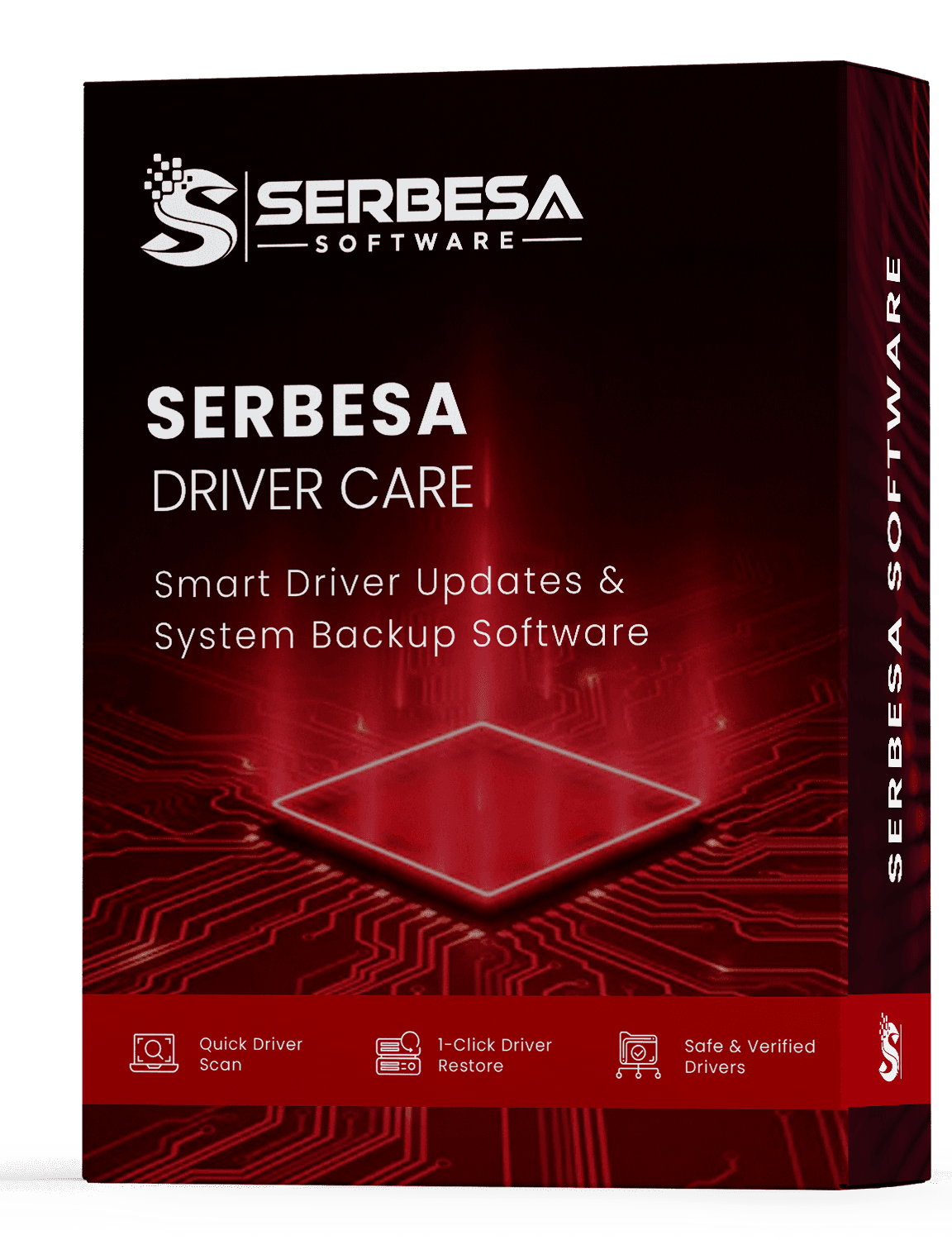
The jobs printed on the box
Quick driver scan, 1-click restore, and safe verified drivers — plus a system backup before anything changes. Stability can improve depending on your hardware; you always keep a way back.
SERBESA Driver Care is built for everyday Windows PCs, not a managed IT stack. You choose what to install, when to scan, and whether to restore.
- Quick scan of installed drivers
- Report of outdated or missing packages
- System backup before each install
- 1-click restore when you need it
Keeps drivers current for every major brand
SERBESA SOFTWARE LLC is an independent publisher and is not affiliated with or endorsed by these companies. Brand names are shown for compatibility reference only.
What you get in the app
One focused Windows tool: find outdated drivers, protect what already works, install verified updates, and reverse a change if you need to.
Quick driver scan
Reads every device Windows already knows about and flags outdated, missing, generic, or mismatched drivers in one pass.
System backup
A full driver backup and Windows restore point are created before any file is replaced, so you always have a way back.
1-click restore
Reverse an update instantly. Return a single driver — or the last backup set — to a known-good state without hunting files.
Safe & verified
Drivers come from reputable official sources. The installer is clean: no bundled toolbars, adware, or extras.
Scheduled checks
Set a daily, weekly, or monthly cadence. SERBESA checks quietly in the background and only alerts you when an update is worth it.
Whole-PC coverage
Graphics, audio, network, chipset, printers, storage controllers, Bluetooth, USB, and connected peripherals.
Three steps. That's the whole thing.
You stay in control. SERBESA never installs a driver until you review the report and confirm the update.
Scan your hardware
SERBESA inventories the devices on your PC and compares each driver with verified versions. You see a plain-language report before anything changes.
Back up first
A driver backup and restore point are saved automatically. Updates never start until that safety net is in place.
Update or restore
Install the matched packages you choose, or roll a change back in one click if a new driver does not behave.
When drivers fall behind, Windows shows it
Crashes, lag, missing sound, and flaky Wi-Fi often look like hardware problems. A current, backed-up driver set is the first fix to try.
Crashes & freezes
Blue screens and sudden lockups often trace back to a single outdated or mismatched driver — not a failing PC.
Sluggish performance
Aging GPU and chipset drivers can cap frame rates, slow everyday apps, and make Windows feel heavier than it is.
Sound problems
Audio that crackles, cuts out, or vanishes after HDMI, Bluetooth, or a Windows update is usually a driver behind.
Dropped connections
Flaky Wi-Fi, laggy Ethernet, and Bluetooth dropouts are classic symptoms of a network adapter that needs a current driver.
Built for everyday Windows PCs
SERBESA Driver Care is a focused utility — not a bloated tune-up suite. It helps when you want current drivers without a weekend of manufacturer sites.
Home PCs
Keep a family desktop or laptop current without visiting a different manufacturer site for every device.
After a Windows upgrade
A fresh Windows 10 or 11 install often leaves generic drivers. Scan once to replace them with matched packages.
New hardware
After a GPU, printer, or Wi-Fi adapter swap, SERBESA checks the rest of the machine so one install does not leave gaps.
Small offices
A one-time license and scheduled scans help a handful of Windows PCs stay current without a managed IT stack.
Coverage across the devices you use
If Windows has a driver for it, SERBESA can check it and keep a backup before you change anything.
A clear report before you change a thing
You are never asked to update blindly. The scan lists what is on the PC, what looks out of date, and what will be backed up if you proceed.
Try a scan on your PCWhat is installed now
Each device shows the current driver version, date, and how Windows identifies the hardware.
What needs attention
Outdated, missing, generic, or mismatched packages are listed first so you can decide what to update.
What will be backed up
Before you install, SERBESA shows that a backup and restore point will be created for the change.
By hand vs. with SERBESA
Manual driver hunting is slow and easy to get wrong. SERBESA matches the package, backs up first, and leaves a restore path.
The manual way
- Hunt across manufacturer sites for each device
- Guess which version matches your exact hardware
- Install with no backup if something goes wrong
- Repeat the hunt every few months
With SERBESA Driver Care
- One scan finds the drivers that need attention
- The matching package is chosen for your hardware
- Automatic backup plus one-click rollback, always
- Optional scheduled checks keep you current
Safe, by design
Updating drivers should never feel risky. Every change is reversible and nothing installs without a safety net. Results still depend on your hardware; we recommend keeping your own backups of important files.
Install & uninstall guideReputable sources only
Drivers are pulled from reputable, official sources — never random uploads or unofficial mirrors.
Backup before every change
A restore point and driver backup are created before anything installs. You stay in control of when to apply updates.
Clean, quiet installer
No bundled toolbars, no adware, and no background nagging. Uninstall from Windows Settings any time.
Specs & requirements
Windows 11 through 7, a 7-day trial with no card, then a one-time license. Setup is delivered by email from this site only.
Try it free for 7 days.
Start with a 7-day free trial — no credit card required. When the 7 days end, nothing is charged automatically; licensed features simply pause until you choose a one-time purchase (no subscription) to unlock unlimited updates, backup, and restore, backed by a 30-day money-back guarantee.
We distribute SERBESA Driver Care by email only — never through pop-ups, ads, or third-party download sites.
Read the refund policySERBESA Driver Care
- 7-day free trial — no credit card required
- Unlimited driver scans & updates
- Automatic backup & 1-click restore
- Reputable driver sourcing
- Scheduled background checks
- Free email support
No credit card for the trial • 30-day money-back on purchase
FAQ
Questions, answered
Trial, pricing, safety, Windows versions, and what SERBESA Driver Care covers.
Use the download form on this site. We email the official setup link only — never through pop-ups or third-party download pages. The trial is 7 days with no credit card.
Yes. The setup file contains only SERBESA Driver Care. Drivers come from reputable official sources, and the app creates a system backup and restore point before it changes anything.
Use 1-click restore. SERBESA keeps the previous driver set so you can return to a known-good configuration without hunting files by hand.
Windows 11, 10, 8.1, and 7 — 32-bit and 64-bit.
The trial is free for 7 days. After that, a full license is $9.99 one time (no subscription) and includes scans, updates, backup, and restore, with a 30-day money-back guarantee.
Nothing is billed. We do not collect a card for the trial. Licensed features pause. Buy a one-time license when you want them back, or uninstall any time.
Graphics, audio, network and Wi-Fi, chipset, printers, and connected peripherals — the devices Windows already manages.
Still have a question?
hello@serbesasoftware.comReady to scan and back up your drivers?
Request the official setup by email. No credit card for the 7-day trial. Then a one-time $9.99 license if you want to keep using it.